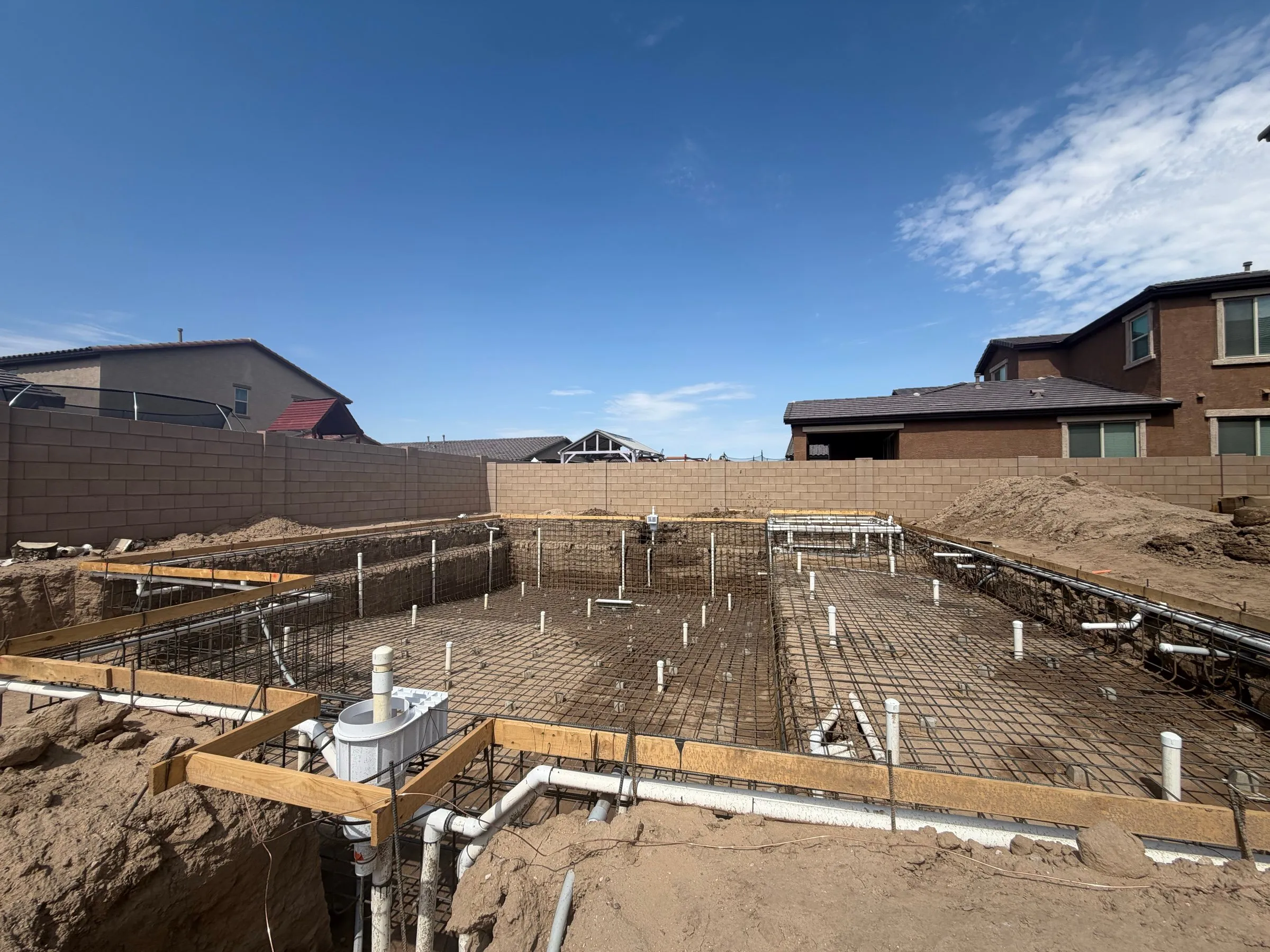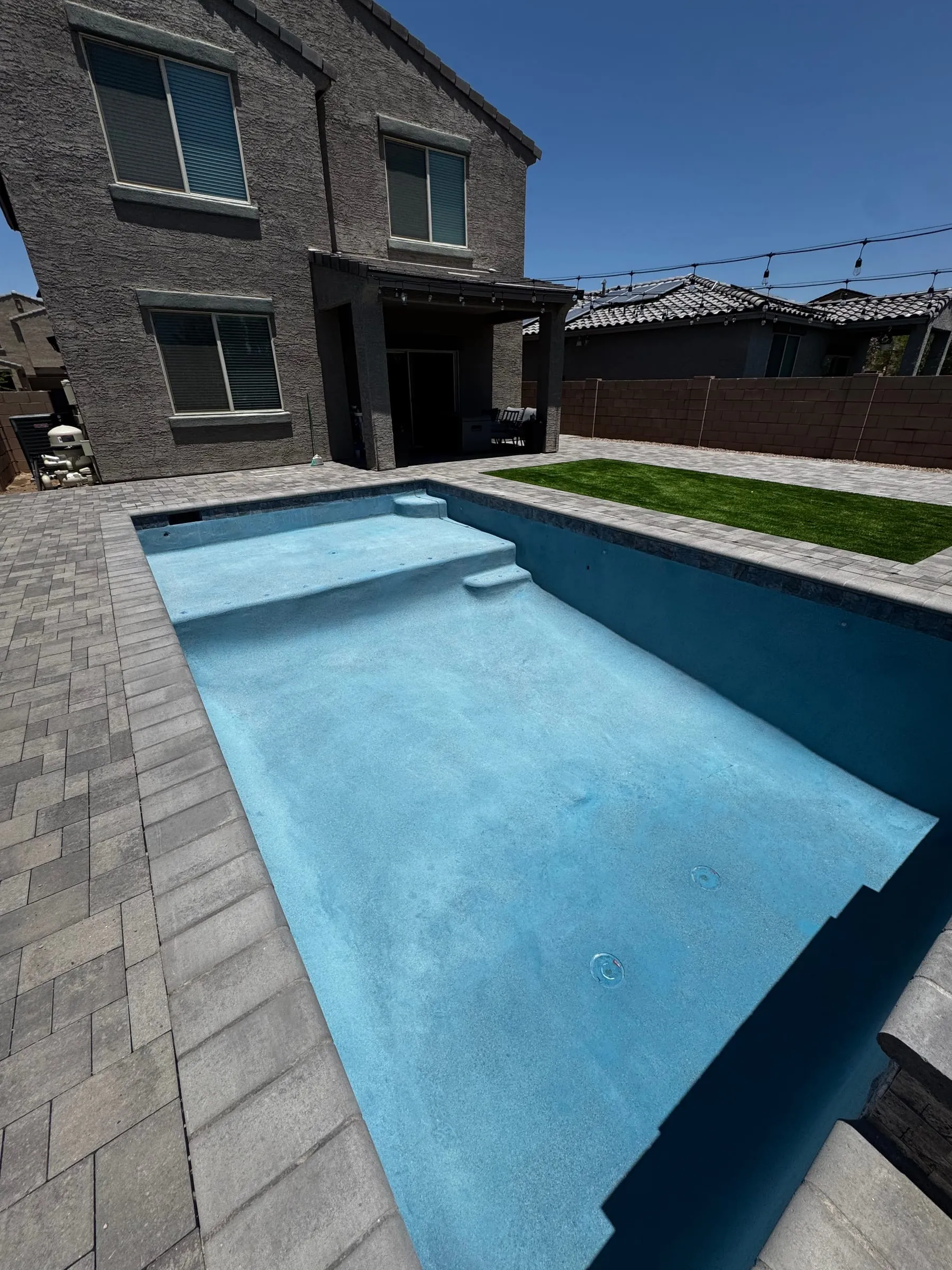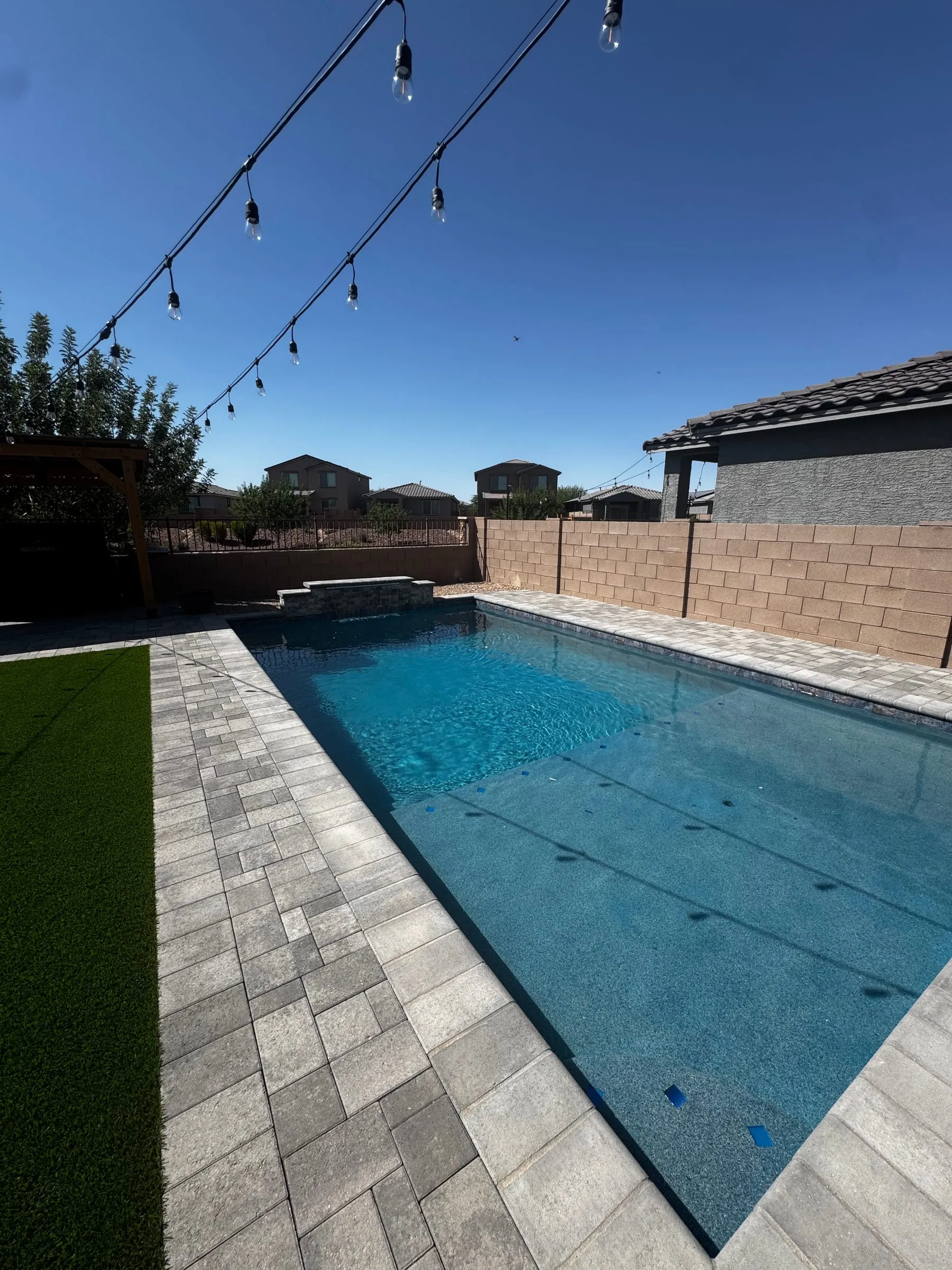
A pool build in Tucson usually takes 8 to 12 weeks from excavation to fill, and it involves a lot of moving parts: layout and digging, plumbing and steel, inspections, the shotcrete shell, tile and coping, decking, plaster and start-up. Payments are tied to those steps. So it makes sense that the number one thing homeowners want during a build is simple: to know what is happening.
That is why every Meraki Pools AZ client gets a private online portal for their project. You can see which step we are on, read updates from the crew, look at progress photos, open your contract and plans, check your payment schedule and send us a message, all in one place. Below is a walkthrough with real screenshots of the portal.
A quick note: the screenshots in this post use a demo project with made-up names and numbers. No real client information is shown.
Why communication matters on a pool build
A common complaint homeowners have about any construction project is not knowing what is going on. The crew is in the yard one week and gone the next, and nobody explains why. A pool is a good example of how that happens, even when everything is on track:
- The steps have to happen in order. Steel has to pass inspection before the shell can be shot. The shell has to cure before tile and coping go on. Some quiet days in the yard are planned.
- Inspections set the pace. We schedule inspections with the city or county, and the next step waits for them.
- Weather and caliche can shift dates. Monsoon storms and hard ground can move the schedule a few days.
- Payments follow progress. Most of your payments come due as each stage starts, so you want to know where the job is before a payment request shows up.
If you want the full rundown of each step, see our step by step pool building process and how long it takes to build a pool in Tucson. The portal is how we keep you in the loop through all of it.
What the Meraki client portal is
The portal is a private part of our website. Once your contract is signed, we send you an invite email. You click the link, create a password, and you are in. From then on you can sign in from the Client login link at the top of every page on merakipoolsaz.com.
A few things to know up front:
- It works in the browser on your phone, tablet or computer. There is no app to download.
- You only see your own project.
- It is for keeping track of your build. It does not take payments, and it does not replace calling us.
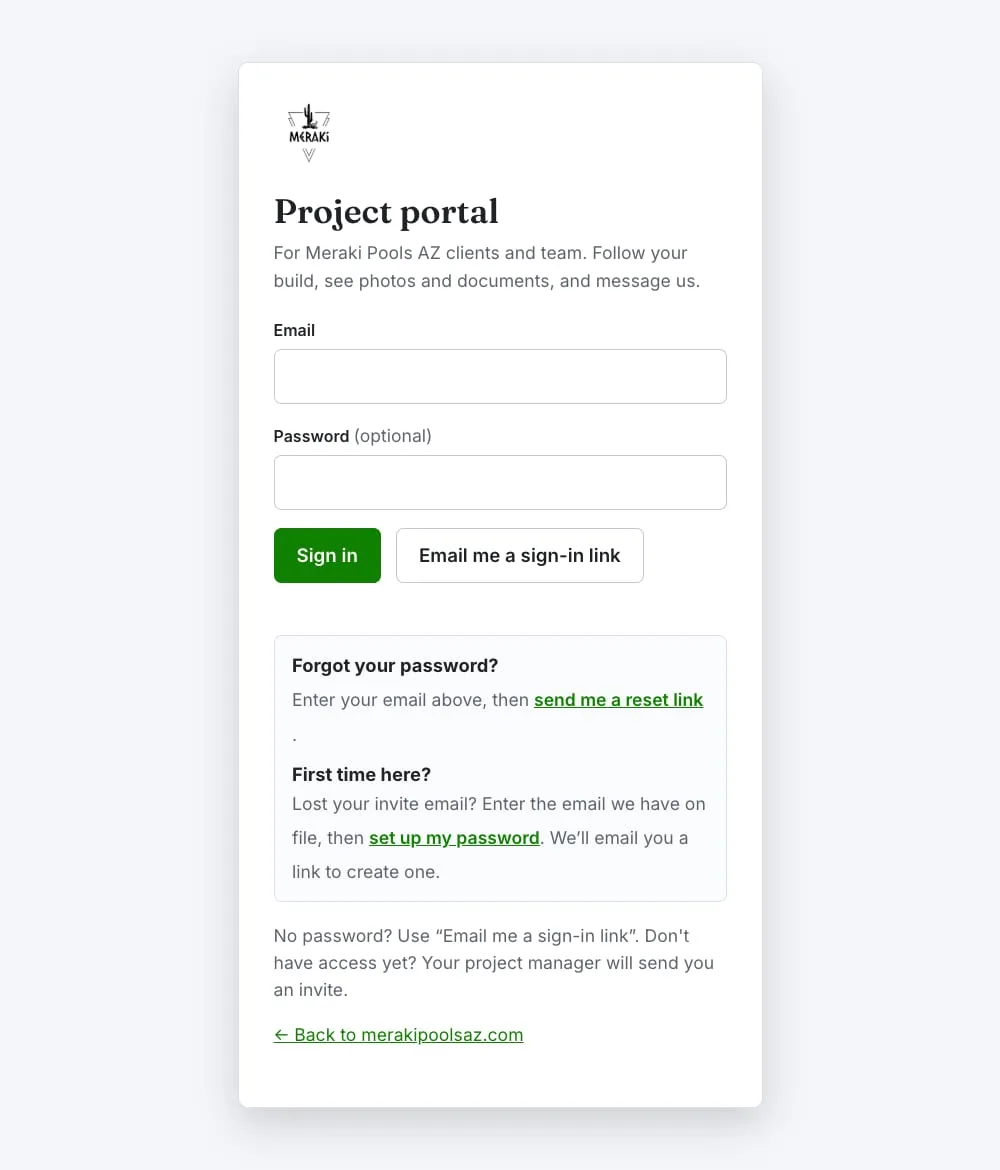 The sign-in page. You can use a password or have a one-time sign-in link emailed to you.
A walkthrough of the portal
Where your build is right now
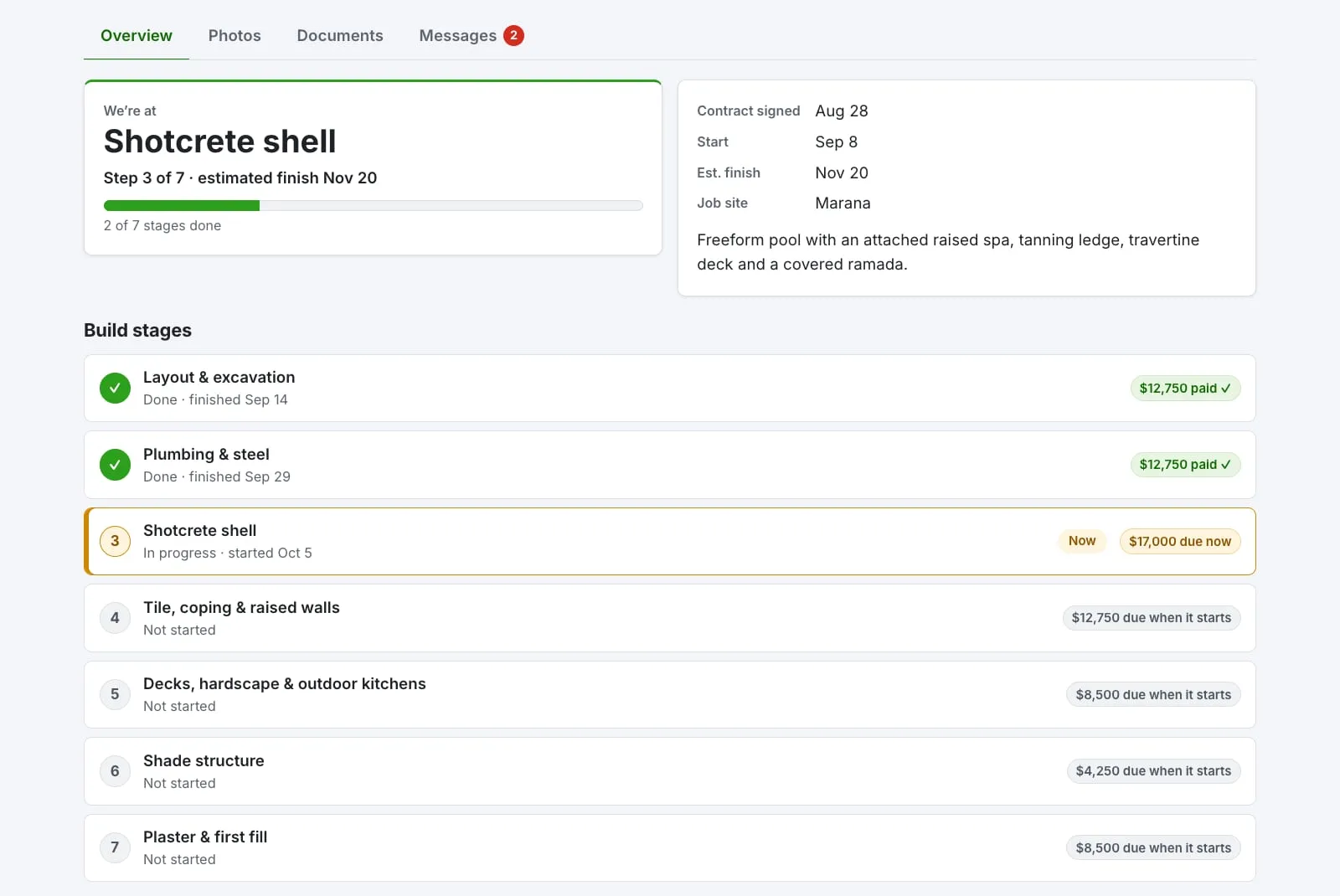
The first thing most people want to know is “where are we?” The Overview tab answers that in big letters. In the example below, the project is at the shotcrete shell, step 3 of 7, with an estimated finish date. Under that is the full list of build stages for your project, which ones are done, which one is in progress, and what each stage’s payment looks like.
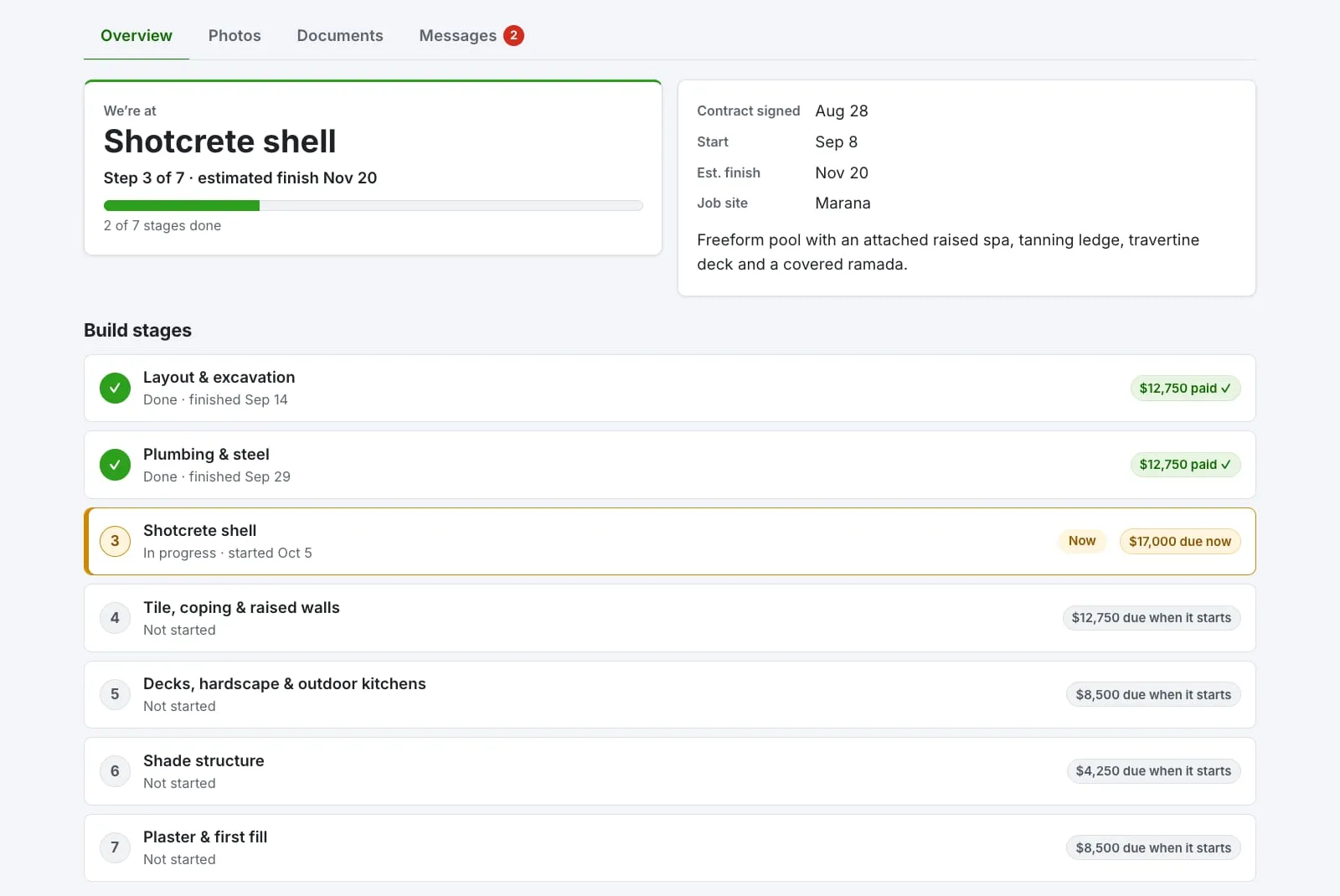 The stage tracker shows your project’s build steps, from layout and excavation through plaster and first fill.
Below the stages, the crew and office post short progress updates. We write them the way we would tell you in person: what got done, what is next, and anything we need from you, like leaving the side gate open for the pump truck.
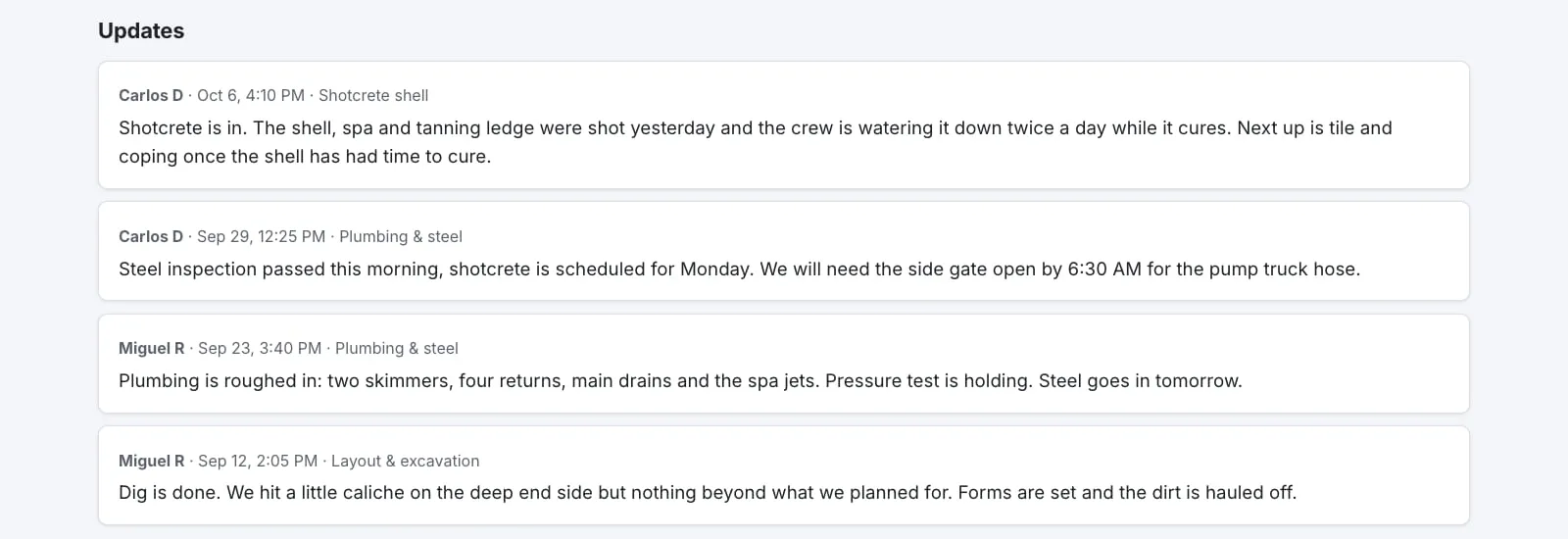 Progress updates from the crew and office, labeled with the stage they belong to.
Your payment schedule
Money is the other big question during a build, so the payment schedule sits right at the top of your project page. You can see the pool total, what you have paid, the balance, and anything that is due right now. Each payment shows which build step it belongs to, so you know ahead of time what is coming next. For example, the next payment might be due “when Tile, coping and raised walls starts.”
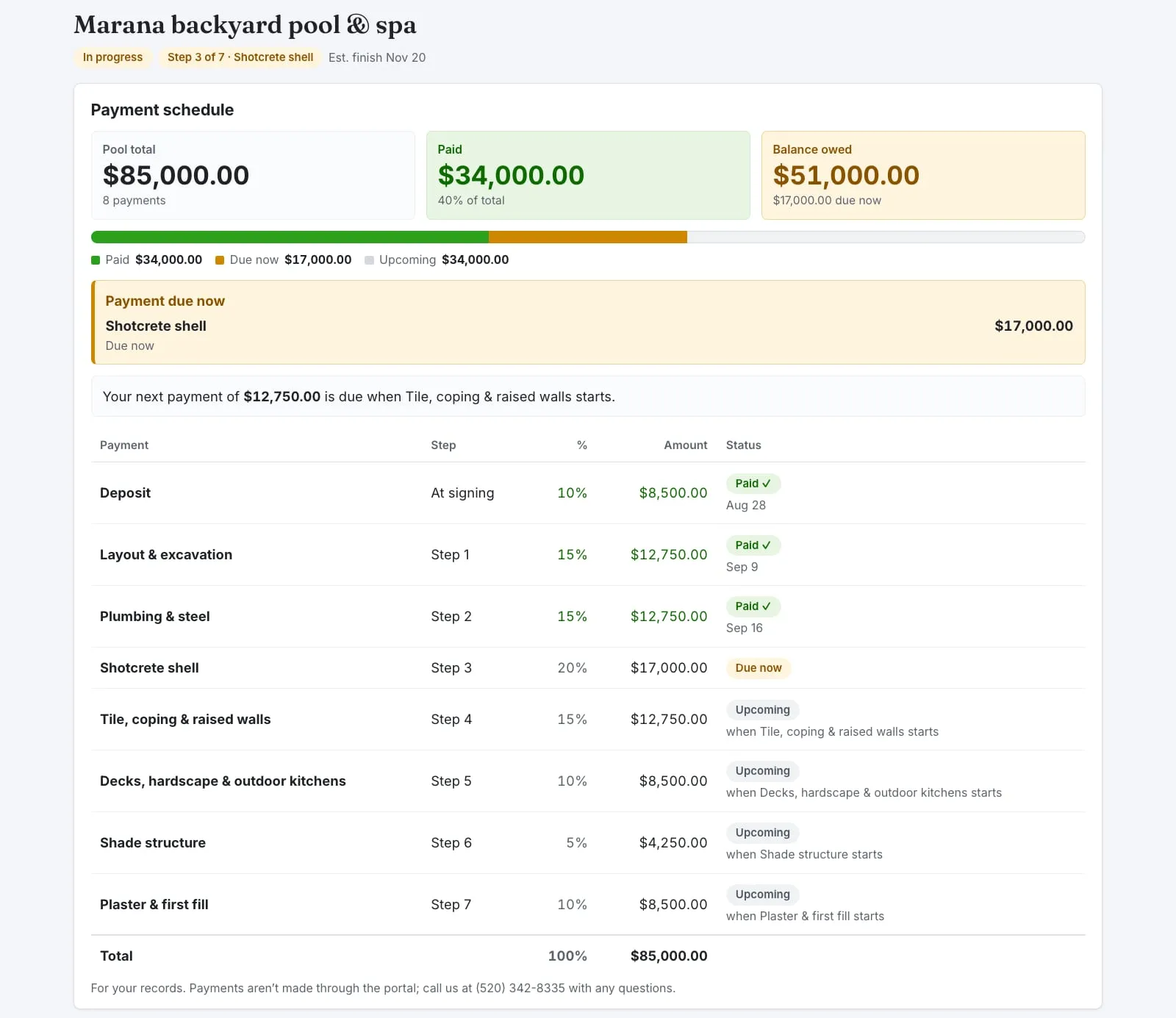 The payment schedule shows the pool total, what is paid, the balance, and which step triggers each payment.
The portal is for your records. Payments are not made through it. If you have a question about a payment, call or message us. For more on how pool payment schedules should work in Arizona, see our guide on how to compare pool bids. If you are still planning how to pay for the project, our financing page is a good place to start.
Progress photos from the crew
Not everyone can walk the yard every day, especially if you work during the day or are out of town during the build. The crew takes photos from the job and adds them to your project, grouped by stage. You can tap any photo to see it full size.
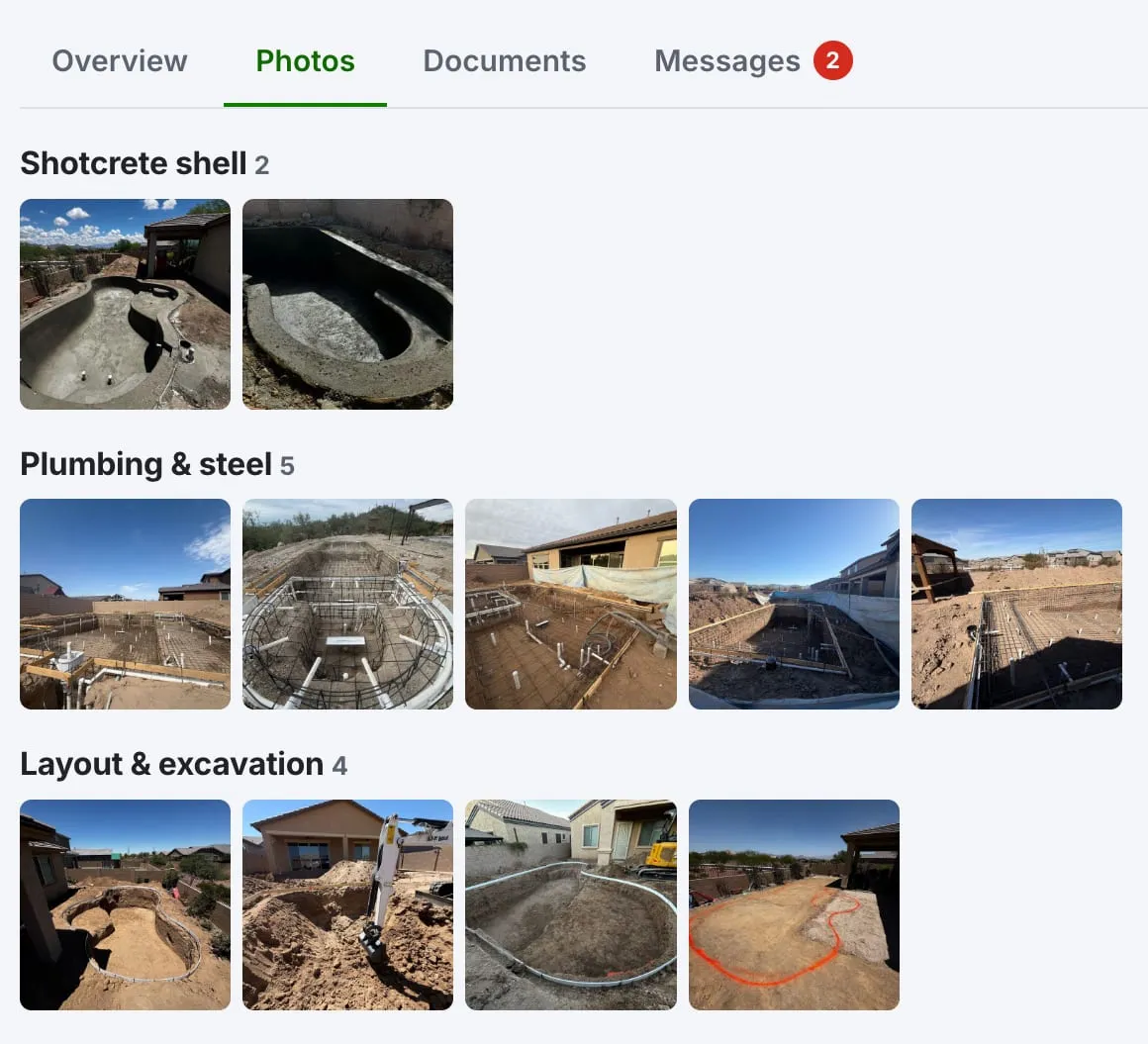 Pool build progress photos, grouped by stage, newest first.
Photos are resized and their location data is removed on the crew’s phone before they are uploaded, so the pictures of your yard do not carry your address inside the file.
Messages with the office team
The Messages tab is one shared thread between you and the whole Meraki office team. You do not have to remember who handles what. Ask your question there and whoever is best placed to answer will reply. New replies are marked so you can spot them, and a small red badge shows how many messages you have not read yet.
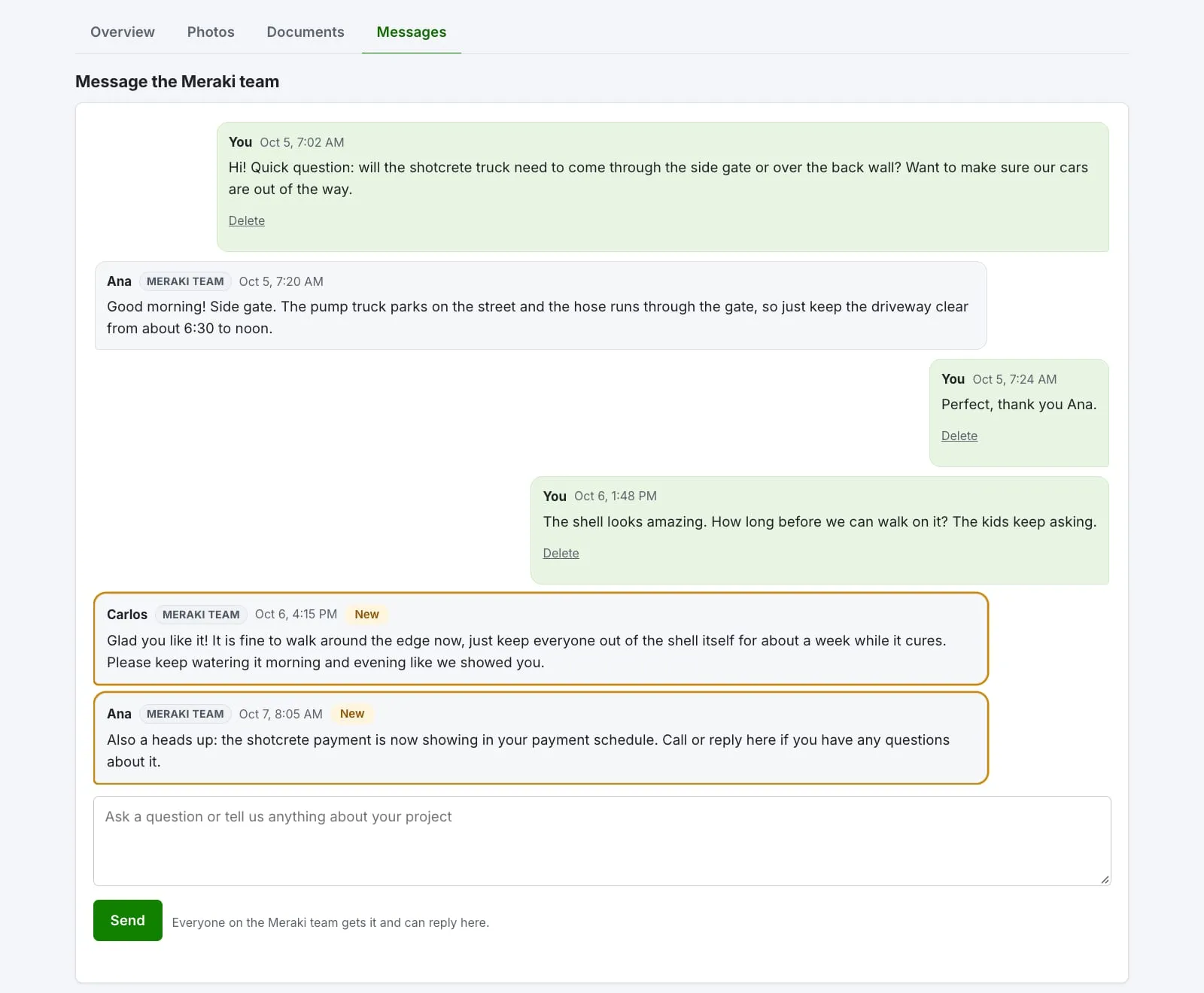 One message thread with the whole office team. New replies are highlighted.
The thread also becomes a written record. Months later, if you want to remember what we said about watering the shell or when the gate needed to be open, it is right there.
Your project documents
Your contract, payment schedule, pool plan and permits live in the Documents tab once we share them with you. No digging through email for the right attachment.
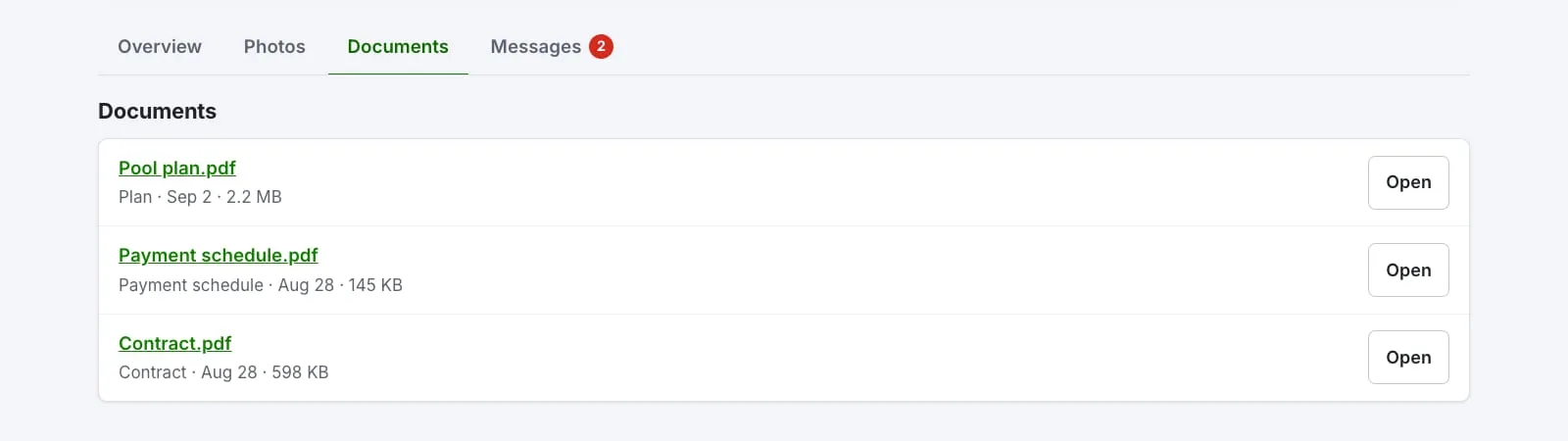 Documents we have shared with you, such as the contract, payment schedule and pool plan.
It works on your phone
The portal is built to work on a phone, since that is where most people check on their project. Everything you see on a computer is there on your phone, just stacked.
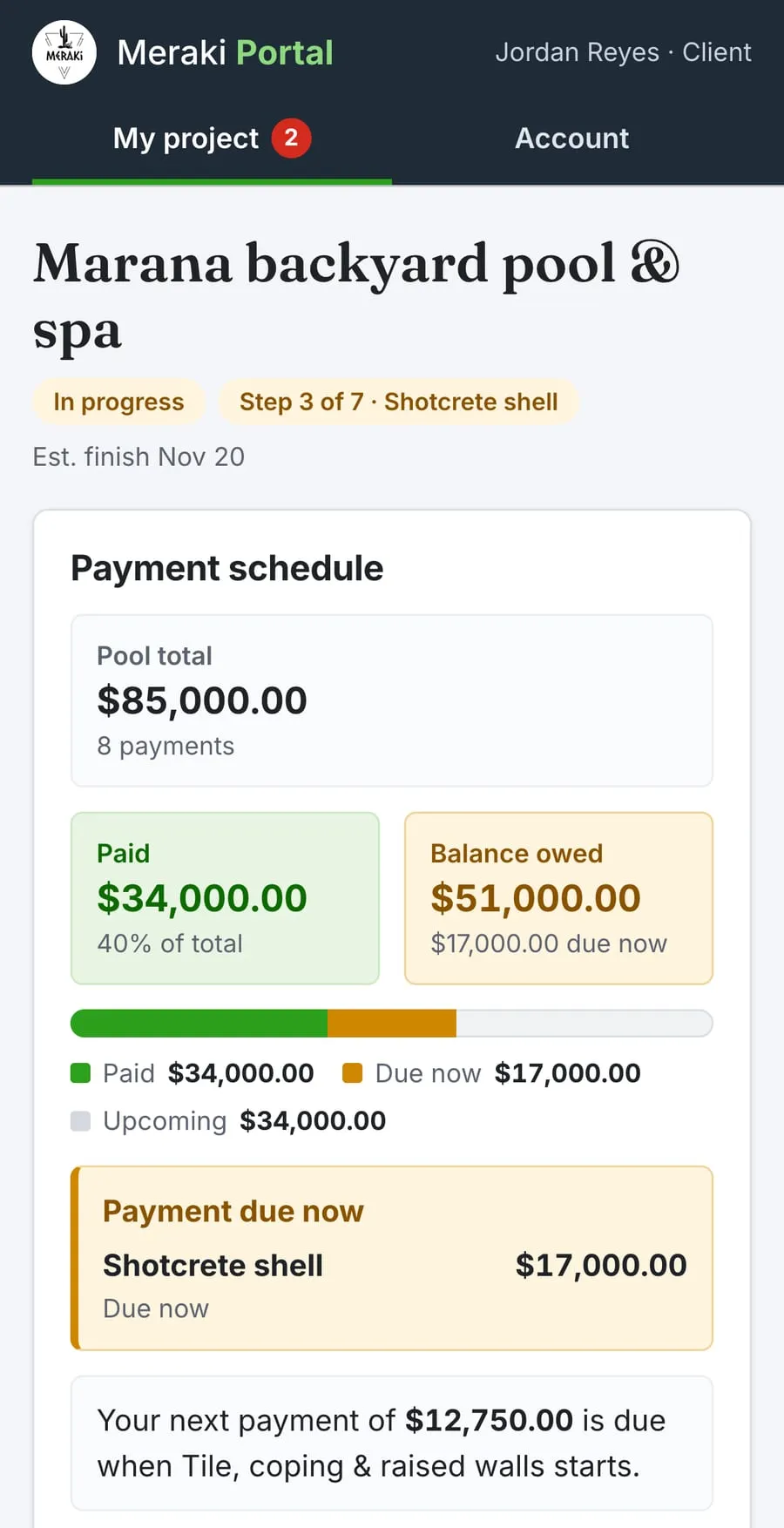 The same project on a phone.
How email notifications work
You do not have to keep checking the portal to know something changed. We send you an email when:
- the team replies to your message,
- we post a new progress update,
- new photos are added,
- a build stage is finished, or
- a payment comes due.
Each email has a short preview and a button that opens your project. If you would rather not get these emails, you can turn them off on your Account page and still see everything when you sign in.
Privacy: your project is only yours
We take this part seriously. Here is how the portal handles your information:
- Your own login. Every client gets a private login. Nobody shares a password.
- Only your project. You can only see your own project. Other clients cannot see yours.
- Location data removed from photos. Phone photos usually carry GPS location. Ours are stripped of it before upload.
- Private documents. Files open through short-lived private links, not public web addresses.
- Not on Google. The portal is never indexed by search engines.
You can still talk to a real person
The portal is a tool, not a wall between you and us. We are a family-owned pool builder, and you can still call or text the office anytime at (520) 342-8335. Some questions are just faster on the phone, and that is fine with us. The portal simply means you are not waiting on a callback to find out what step you are on or to look at this week’s photos.
Ready to build with a team that keeps you in the loop?
If you are planning a pool in Tucson, Marana, Oro Valley or nearby, take a look at our custom pool construction and some of our recent projects. When you are ready, contact us for a free 3D design consult. Already building with us? Use the Client login link at the top of any page to check on your project.
Meraki Pools AZ is licensed with the Arizona Registrar of Contractors, ROC #352797 (KA-5) and ROC #342505 (CR-21).
Put this guide to work
Planning your own project? See our Custom Pool Construction in Tucson, or read about building a pool in Marana or Oro Valley.
Frequently asked questions
Do I have to use the client portal?
No. The portal is there to make things easier, not to replace people. If you would rather call or text the office, that works exactly the same as it always has. You can use both: the portal to check progress and photos, and the phone when something needs a quick answer.
Does the client portal cost extra?
No. Every Meraki Pools AZ client gets a portal login as part of their project. There is nothing to buy or download. It runs in the web browser on your phone or computer.
Can my spouse or partner see our project too?
Yes. Each person gets their own login, so just ask us and we will invite a second email address to the same project. You will both see the same build stages, photos, documents, payments and message thread.
What if I forget my portal password?
On the sign-in page, type your email and tap the link to send yourself a reset link. You can also choose to have a one-time sign-in link emailed to you instead of using a password.
Is my information private in the portal?
Yes. You sign in with your own login and you only see your own project. Other clients cannot see your project, and you cannot see theirs. Photos have their location data removed before they are uploaded, and your documents open through short-lived private links.